Geometry Dash Unblocked
Play Geometry Dash Unblocked online for free. Jump over spikes and steer through flight sections with a key, click, or tap. This is a Scratch-based browser remake; press Play to load it.
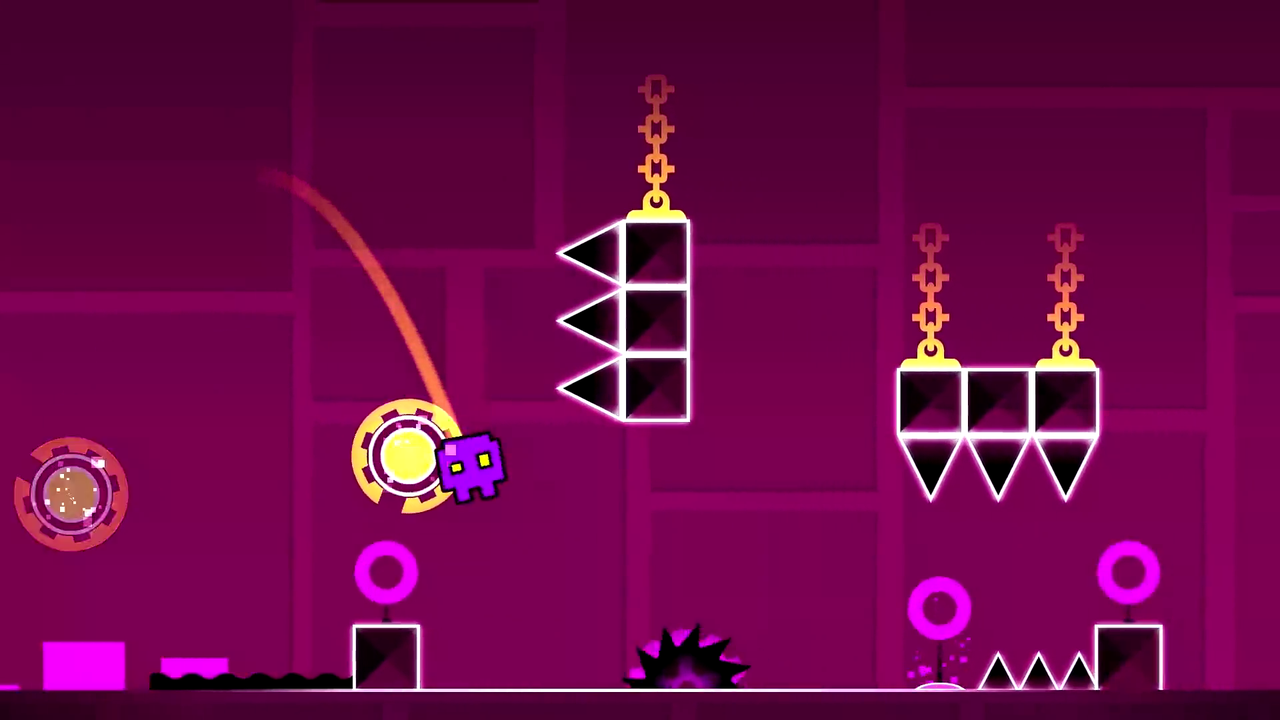 GEOMETRY DASH · BROWSER PLAY
Press Play when ready.
Press Play to load the browser adaptation.
Browser adaptation by griffpatch, based on Geometry Dash by RobTop Games.
How Geometry Dash Unblocked plays
Geometry Dash is RobTop Games’ rhythm platformer: the icon moves forward while you handle jumps, flight, and changes of gravity. One collision ends a normal attempt. There is no separate run button to hold, so watch the course ahead instead of trying to move the cube faster.
Start a stage from the game menu and aim for the first clear landing. A cube jump follows an arc; pressing again while the cube is in open air will not rescue a late takeoff. Rings and new forms introduce different rules. The first-run walkthrough takes you from the menu to that opening stretch.
Leave optional coins until the main route makes sense. If you can clear a passage only by arriving from one particular position, learn the approach as well as the obstacle.
Three things to recognise before the next jump
A glowing object is not always asking for a tap. Spot the difference before it reaches your icon.
Touch triggers a pad
The pad supplies the launch when the icon touches it. An extra press is not needed to activate it. Watch where that launch will put you.
See pads in Back on Track →A ring needs an input
An orb, also called a ring, activates when you press in its active area. Arriving near it and pressing at the right moment are separate parts of the move.
Compare orbs and pads →A portal changes the rule
Form, gravity, size, or speed can change after entry. Look for the first safe surface beyond the portal; the previous section’s input may no longer fit.
Understand portal transitions →Early Geometry Dash levels and what they teach
Choose a level guide ↗Choose a guide by the obstacle that is stopping you. These examples come from official early stages; the loaded remake has its own selection.
| Official stage | Recognise this situation | Try this on the next attempt |
|---|---|---|
| Stereo Madness | A spike group with space beyond it | Choose the landing before starting the jump. |
| Back on Track | A yellow jump pad on the route | Let the automatic launch happen before adding an input. |
| Polargeist | A yellow ring above the ground | Give the ring a distinct press while the cube is in range. |
| Dry Out | A passage with inverted gravity | Use the new landing surface as your reference. |
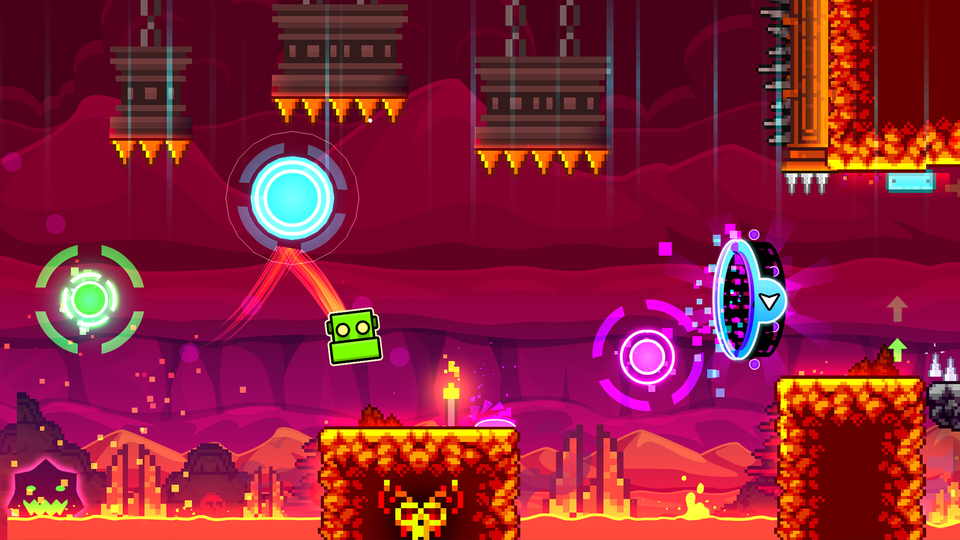
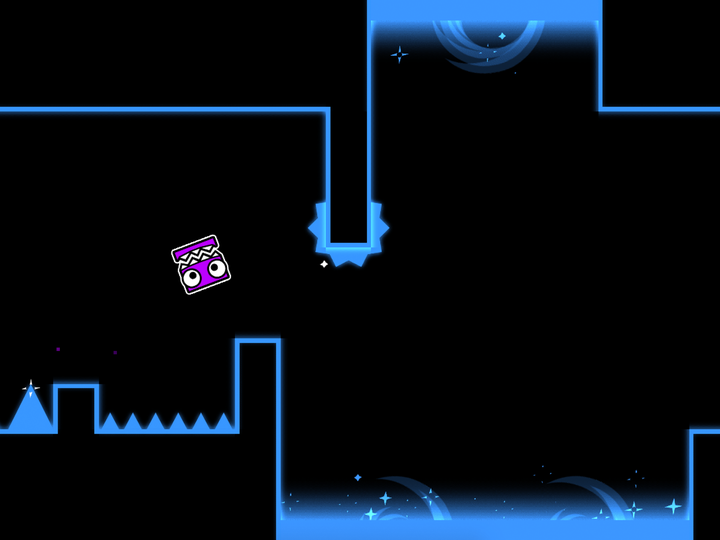
Read the mistake before the next attempt
Hitting the front of a spike and dropping onto its top are different misses. On the next attempt, notice the cube’s position at takeoff, then where it comes down. Change the takeoff point slightly while keeping the approach the same. If a ring sits between those positions, check its activation separately.
A ceiling crash in ship mode may begin well before the ceiling: a long hold on the approach can leave too much lift to correct at the last moment. Compare an earlier release, rather than adding a frantic tap beside the hazard. The beginner tips turn these observations into short exercises.
The pictures show scenes from Geometry Dash and SubZero. They illustrate reading a route; they are not a promise that these exact courses are included in this remake.
Geometry Dash movement modes
Compare all modes ↗The same button does different jobs across the series. These are short reminders under normal gravity, not a list of forms guaranteed in the player above.
Cube
Jump from the floor; plan where the arc will end.
Ship
Hold for lift, then release before the corridor gets tight.
Ball
Switch gravity and travel toward the next surface.
Wave
Hold for one diagonal; release for the other.
UFO
Give each lift its own press and leave room between taps.
Robot
Use hold duration to choose the height of a grounded jump.
Spider
Transfer to the opposite surface with a clear destination.
Swing
Reverse gravity in flight and watch the next arc.
For tight diagonal corridors, use the Geometry Dash wave guide. A ship curves under lift; a wave changes between straight diagonals, so the same hold will not trace the same path.
Geometry Dash versions: what changes?
Compare the versions ↗The four official free apps have different campaigns. Their guides explain the original editions and identify the separate browser adaptations available on this site.
Geometry Dash Lite
The official free introduction to jumping and flying. Start here for the main game’s style of stages; the full game adds level creation and community content.
Core game introduction →
Geometry Dash World
Its built-in campaign has ten short stages across two islands. A shorter finish line makes it a different choice from learning one long introductory level.
Short campaign →
Geometry Dash SubZero
Three stages: Press Start, Nock Em, and Power Trip. Expect camera changes and busy scenes, with the playable gap still deciding your next move.
Three-stage challenge →
Geometry Dash Meltdown
Three themed stages set to F-777 tracks. Choose it for its own compact campaign rather than expecting a copy of Lite’s level selection.
Music and themed stages →The Scratch Geometry Dash guide explains why a remake can have its own level menu and controls. For the full game’s creation tools, start with the level editor overview.
Loading, lag, or a missed input?
Blank player? Allow the initial load to finish, then try Reload once. Stuttering during a run? Press L to change this project’s visual quality and compare the same section. A key that scrolls the page is a focus problem, not a jump-timing problem.
Open the loading and lag checks →Geometry Dash Unblocked questions
Can I play Geometry Dash online for free?
Yes. This page’s browser remake starts without payment, a site account, or a separate installation. The game still needs to finish loading before you can choose a stage.
Is this the full Geometry Dash game or Geometry Dash 2.2?
It is a Scratch remake, separate from the installed full game. It does not provide the full game’s editor or community level service. The Geometry Dash 2.2 guide explains that release’s mechanics; a version label on a guide does not change this player.
What does “unblocked” mean?
“Geometry Dash Unblocked” is a common search name for browser play, not a release made by RobTop Games. It does not guarantee access on every network: the page and the game both need permission to load.
How do I make the game fullscreen?
Use Fullscreen in the player toolbar. Escape leaves native fullscreen. If your browser uses the window-filling fallback, choose Exit fullscreen or press Escape to return to the page.
Why does Space scroll the page instead of jumping?
Keyboard focus is on the page. After Play, click inside the game area, then try the key again. If a key stays held after switching tabs, release it before resuming. The controls guide covers input and focus in more detail.
Can I play on a phone or tablet?
The remake accepts touch input. Try landscape orientation so your finger covers less of the route ahead. A tap starts a jump; keep contact for a hold, then lift your finger to release. Fullscreen availability varies by browser.
Does this player update my official Geometry Dash progress?
No. A completion in the browser remake does not update an official Geometry Dash account. Progress belongs to the edition or project where you earned it, so do not use a browser run as proof of an app unlock.
Why can I finish a section in practice but miss it in a normal run?
A checkpoint can put you close to the obstacle with a different approach. Include the preceding landing or portal in the section you practise, then try joining it to the route before it. The practice mode guide explains how to connect those pieces.