🎮 Start a run you can read
Open the Geometry Dash browser player and select a level from its menu. Give the game keyboard focus by clicking inside the loaded window. Classic stages scroll automatically: you are deciding when to act, rather than steering the cube left and right.
Choose one input and keep it for the session. Space, Up Arrow, a mouse click, or a touchscreen tap can all feel different. Changing between them after every death makes it harder to tell whether your timing actually changed.
Begin with the normal route. Secret coins can ask for a less obvious jump or a riskier landing. You can return for them once reaching the end feels manageable.
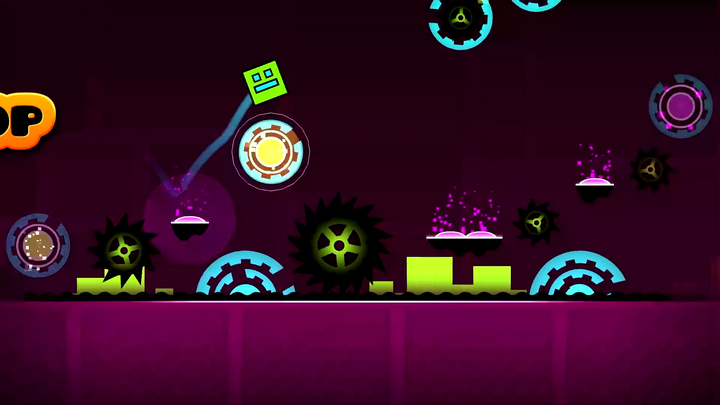
 Geometry Dash spike obstacle
💥 After the crash
Name one visible cause: too early, too late, unwanted extra jump, or wrong flight height. Replay the approach and change one action. If you alter the input device, the route, and the jump timing together, a better result will be hard to explain.
In Classic normal mode, a collision ends the attempt; the retry behavior depends on the game’s settings. Practice checkpoints help you revisit a section without proving an unbroken Classic completion. Platformer levels can have their own checkpoints during normal play, which is a different rule.
Your first three decisions
See the landing
Look past the spike and find the platform you want to reach. A jump is only useful if its landing leaves room for the following action.
Press with a reason
Use an obstacle edge or a clear musical cue. A panicked extra tap can activate an orb or launch another jump when you did not intend it.
Release deliberately
A held input keeps affecting some forms. Learn what releasing does before you decide that the next section requires faster tapping.
🧭 Follow the rule of the active form
A Cube jumps from a valid surface. A Ship responds to held thrust and keeps moving between corrections. A Ball reverses gravity from a valid surface contact, then travels to the other side. After a form portal, identify which of those actions the same button now supplies.
| What you see | What to do first | What to avoid |
|---|---|---|
| A grounded cube | Judge the next gap or spike group | Holding through every landing automatically |
| A ship corridor | Make a small height correction | Waiting until the ceiling is close |
| An unfamiliar portal | Identify the new form and orientation | Repeating the previous section’s input pattern |
The game mode comparison explains the full set of movement rules. The embedded adaptation is based on older classic gameplay, so it does not offer every feature of the official series.
↻ Retry the run or restart the player?
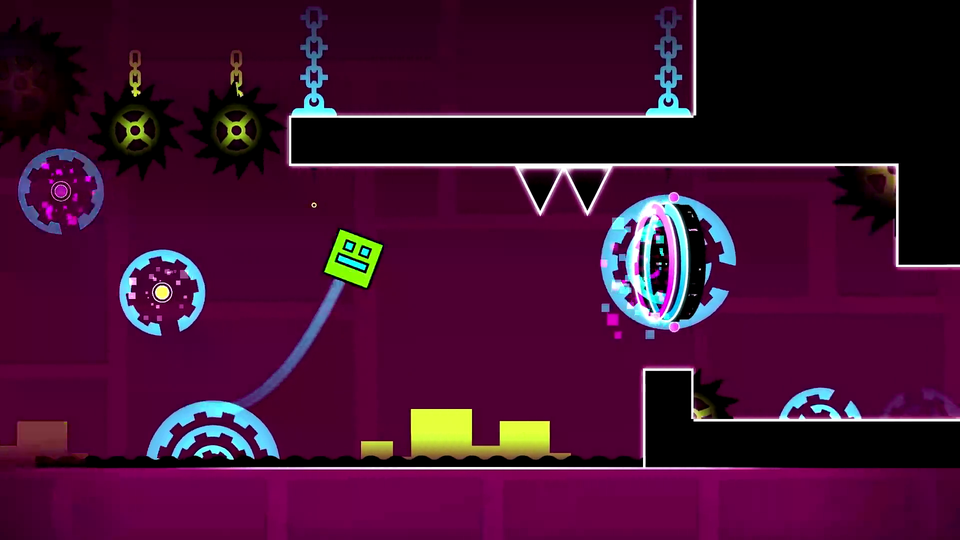
After a crash, use the game’s own retry or menu to start another attempt. The toolbar’s Reload button restarts the entire player and can discard the current session; save it for a stalled load or an unresponsive game.