🧩 Put the checkpoint before the decision
A useful checkpoint preserves enough of the approach to recreate the movement you need. For a cube jump, that means a stable landing and time to see the next obstacle. For a ship, it means entering with a realistic height and vertical momentum.
A checkpoint immediately after a difficult portal can hide the real problem. You may learn the corridor perfectly from that position while still entering it too high in normal mode. Include the transition once you understand the obstacle itself.
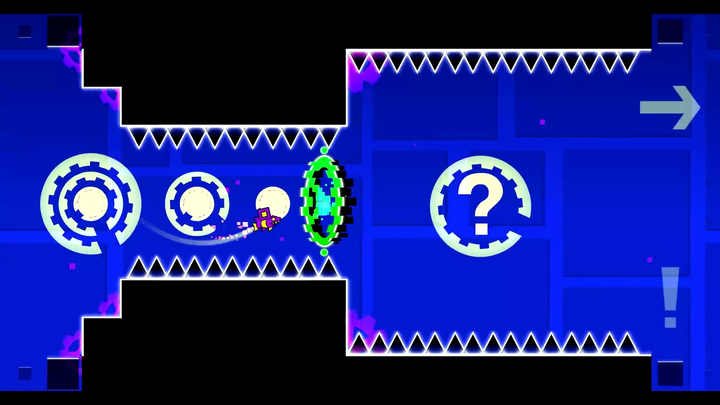
 Geometry Dash Start Position editor object
The checkpoint test
- Can you see the first hazard before you must act?
- Does the respawn leave you in a survivable position?
- Is the incoming speed and orientation the one a normal run uses?
- Can you restart without an accidental held input?
If the answer is no, move the checkpoint earlier or remove the troublesome one. Automatic checkpoints are convenient, but convenience does not guarantee a useful training position.
🔗 Build overlapping runs
Solve the section
Work on the uncertain action until you understand the press, release, and destination.
Start before the section
Add the entry. This tests whether your solution still works with the correct incoming state.
Finish after the section
Include a few actions beyond the obstacle. A pass that leaves you badly positioned is not yet a stable solution.
Connect it to normal mode
Return to a full attempt. Watch whether the same cue appears at the same moment when you approach from the start.
What a practice clear proves
A Classic practice finish proves that you traversed the stage with checkpoint restarts available. It does not prove an unbroken normal run. In Platformer, creator-placed checkpoints can also be part of normal gameplay; using those is not the same as enabling practice mode.
The green editor Start Position pictured here is a local test object, not a practice checkpoint. An editor test can start in a chosen state; a final verification run must use the level’s real start. Keep those three tools separate: practice restart, authored checkpoint, and editor test.
📝 A section plan you can use
| Run | What it tests |
|---|---|
| Obstacle only | Do you understand the local move? |
| Approach + obstacle | Can you enter with the correct momentum? |
| Obstacle + exit | Does the move leave a safe next position? |
| Linked route | Can you preserve the solution between sections? |
These are practice categories, not score metrics or required percentages.
When the browser build differs
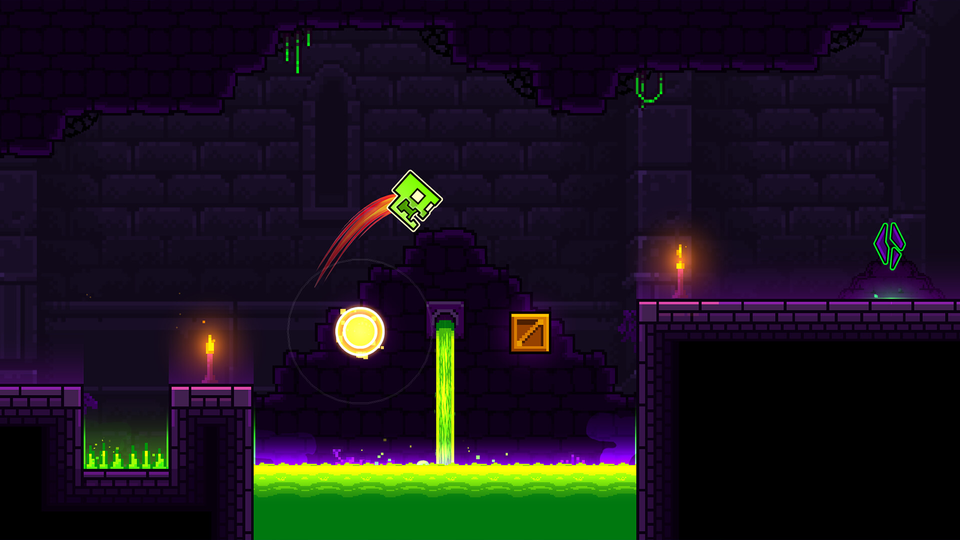
Checkpoint behavior and shortcuts depend on the project you load. Use the available practice menu instead of assuming the native game’s controls apply to every remake. Some fan projects implement different reset or checkpoint rules.
If your mistake is a specific form interaction, study that form before adding more retries: ship momentum and ring activation each need a different correction.