🟩 What Lite is for
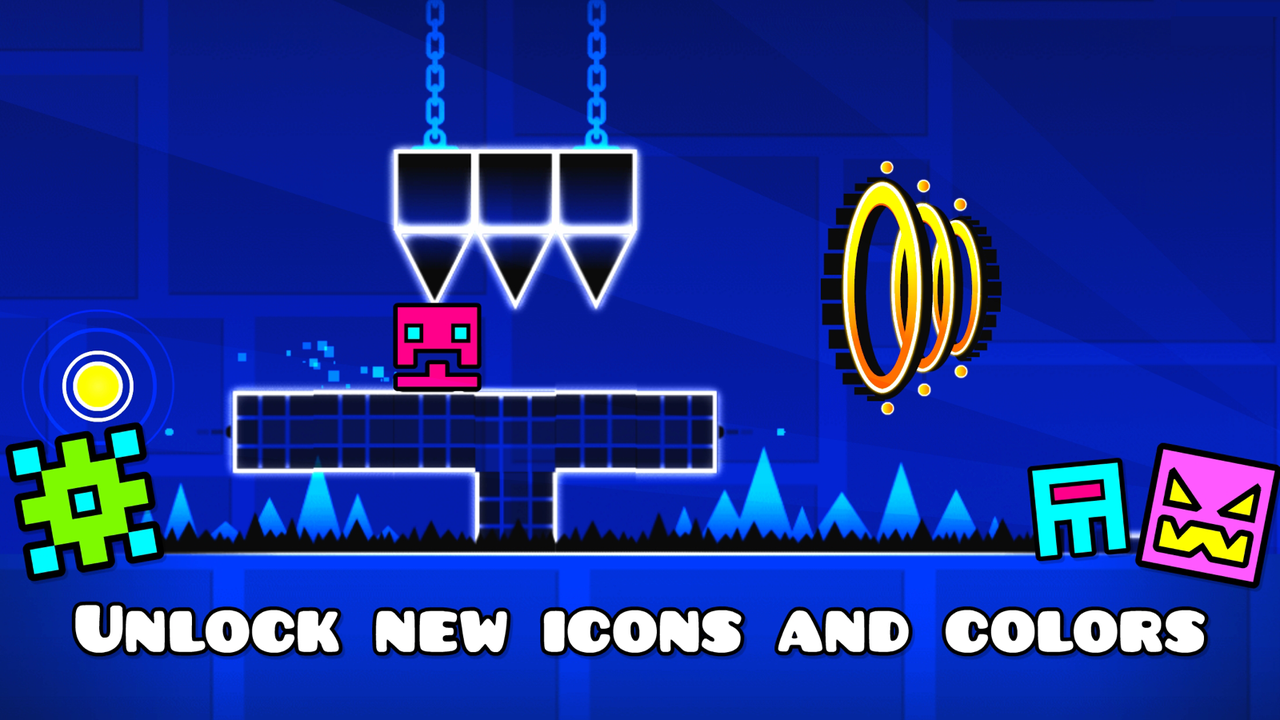
Lite is the official free introduction to Geometry Dash. Jumping, flying, practice tools, and cosmetic unlocks provide a way to learn the core courses. Native level creation and the wider community-level system belong to the full game.
Start with the edition’s own level menu. Learn a course in practice, connect it in normal mode, and add a coin route when the direct line is familiar. Those are different results even when they happen in the same stage.
🧭 Choose the result you are working toward
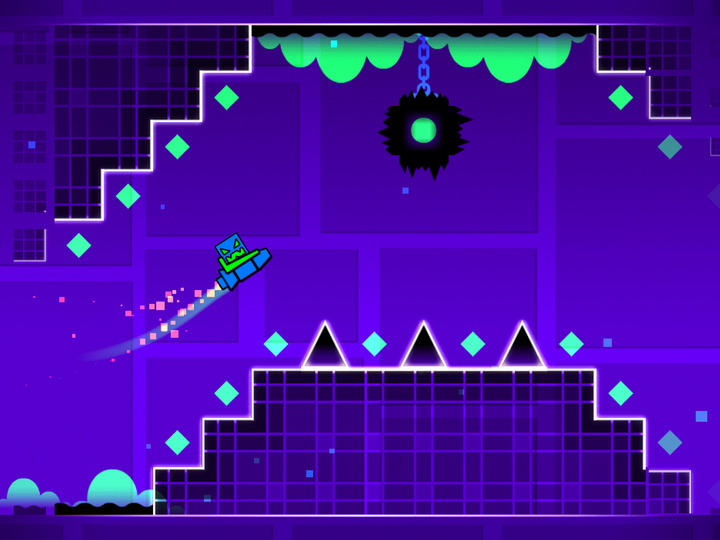
A useful first target is reaching the same ship entrance with the same input still active. If the cube section works but the flight starts badly, study that handoff before moving on to a new level.
 Geometry Dash Normal difficulty face
📱 An official app and a browser search result
The phrase “Geometry Dash Lite unblocked” often leads to browser projects inspired by the series. They can be playable and useful, but the name does not prove they run the official Lite app. Their physics, menus, content, and saves may be different.
| Question | Official Lite app | Browser adaptation |
|---|---|---|
| How does it run? | Installed on a supported device | Inside a web player |
| Where are controls defined? | The app’s settings and gameplay | The specific project’s instructions |
| Can you assume shared saves? | Do not assume transfer to another edition | Treat project progress as separate |
| Is the full editor implied? | No; check the edition’s actual features | No; a remake can implement a different subset |
Build a clean introductory session
Learn the normal route
Skip optional coin detours while you work out the main obstacle sequence.
Keep one input style
Use a comfortable tap location or device, then avoid changing it after every crash.
Practice the unfamiliar part
Where available, use checkpoints to see a difficult section more often.
Return to a continuous run
Test whether the solution still works from the real approach.
When you want something different
For shorter stages and an island-based campaign, compare World. For a small set of more visually active stages, read SubZero. For a compact F-777 soundtrack campaign, try the Meltdown overview.
If your goal is building levels, the editor guide explains the full game’s creation workflow. If your goal is immediate browser play, the home page names the adaptation it launches.