🌈 Choose by purpose
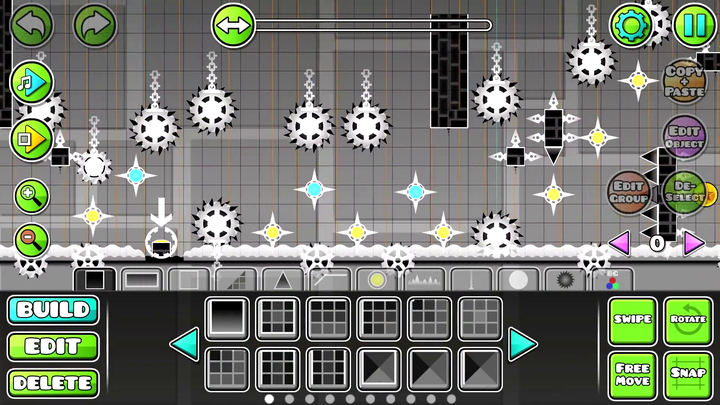
Geometry Dash, full game
Level creation, a wider feature set, and community content
An installed game, separate from this browser player
Explore this version ↗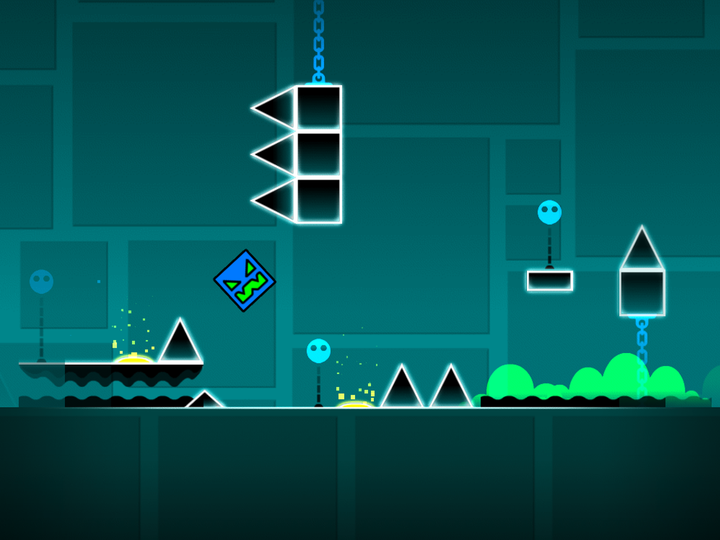
Geometry Dash Lite
An official free introduction to the core game
Its selection and features are not a fixed copy of every full-game feature
Explore this version ↗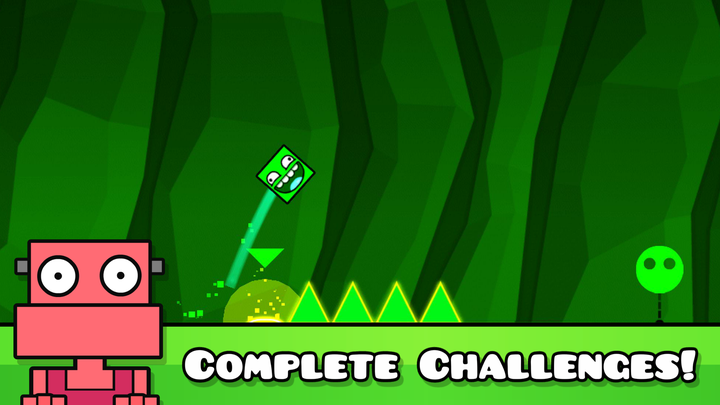
Geometry Dash World
A compact campaign of shorter stages
Dashlands and Toxic Factory form the built-in campaign
Explore this version ↗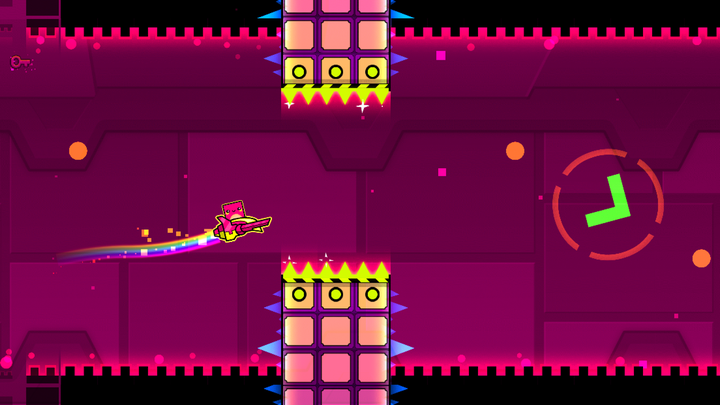
Geometry Dash SubZero
Three visually active standalone stages
Camera effects are part of the reading challenge
Explore this version ↗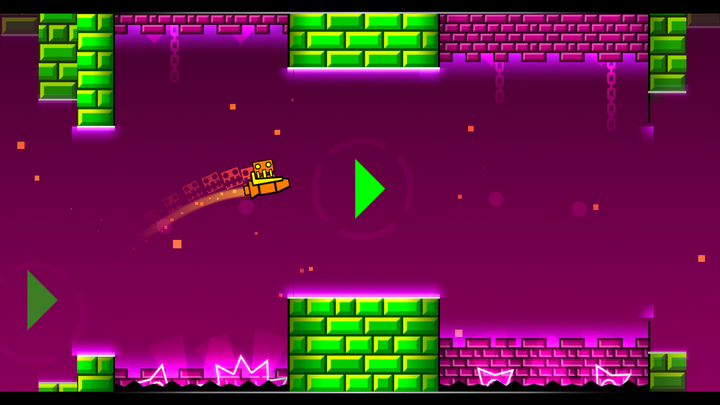
Geometry Dash Meltdown
A three-stage F-777 soundtrack campaign
The Seven Seas, Viking Arena, and Airborne Robots share F-777 music
Explore this version ↗
Scratch Geometry Dash
Classic-style play in a browser project
This site’s separate project is Ge-NET-ry Dash
Explore this version ↗📊 Standalone campaign size
The three spin-offs have clear, compact core campaigns. The chart compares those built-in campaigns only; it does not count community levels or imply that more stages always make a better practice session.
Do not choose by a search label alone
“Geometry Dash online” describes access through a browser, not a single official edition. “Geometry Dash Lite unblocked” can refer to a fan remake that uses Lite’s name. Check the actual project and available features.
A search result can use an edition name as a loose label. Read the project identity and menu before choosing a guide; the six cards above distinguish the actual editions and the separate Scratch project.
🧭 Three decisions that narrow the choice
Want to play immediately?
Use the home page’s browser adaptation and read its own control instructions.
Want an official free app?
Choose Lite or one of the three spin-offs according to the campaign and style you want.
Want creation tools?
Look at the installed full game’s editor. Native mods and browser remakes are separate paths.
What transfers between editions
Before switching editions, separate a transferable skill from stored progress. Recognising an orb or planning a landing is useful elsewhere; an earned icon, local score, or completed stage belongs to the game’s own saving system. Reconfirm menus and controls instead of expecting that state to follow automatically.
For the meaning of the 2.2 label, use the feature overview. For installing rather than playing in a browser, use the download guide.