 BROWSER EDITION · READY WHEN YOU ARE
Stay on the track.
Load the track, then steer with the Left and Right Arrow keys.
🟢 A small correction beats a late swerve
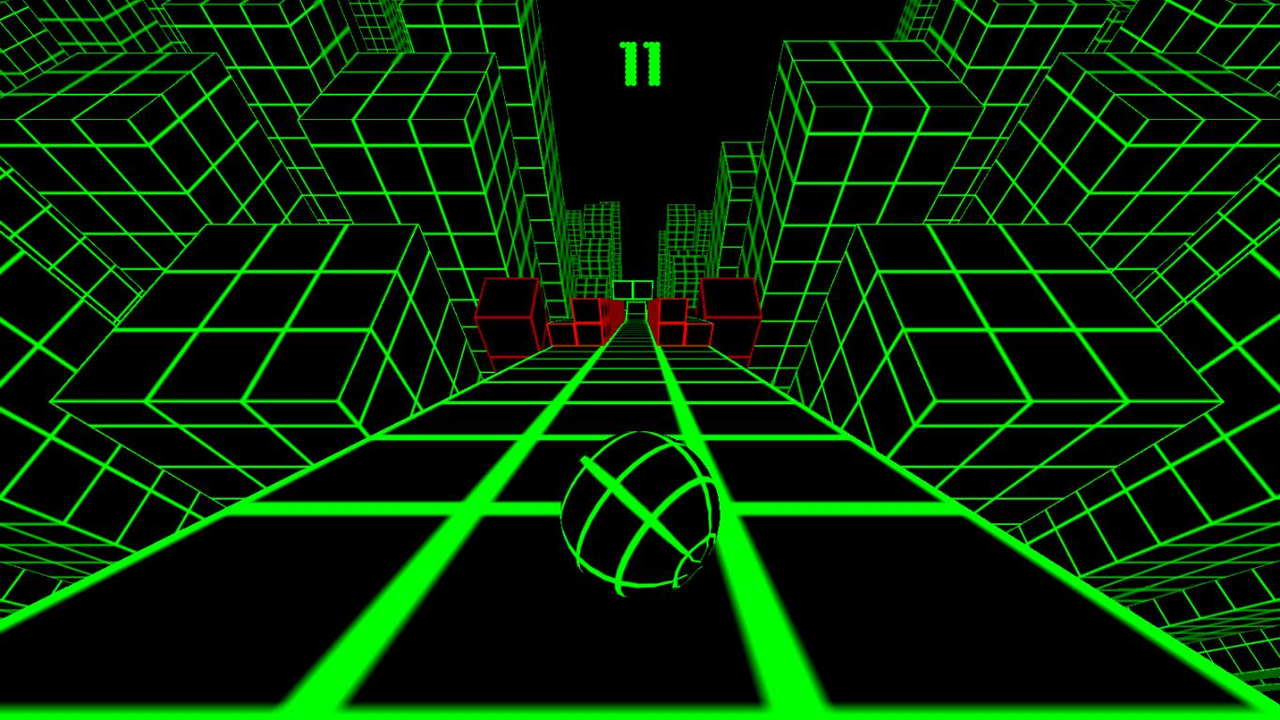
Slope moves the ball forward automatically while you steer sideways. Red obstacles and leaving the track end a run, and the pace increases as the run continues. Steering is not a jump or brake: prepare the next strip of track while there is still room for a small correction.
Do not aim only at the piece of track directly beneath the ball. Look toward the next landing or narrowing. A steering input that saves the current edge can still create a bad approach a moment later.
👀 Look where the ball can go
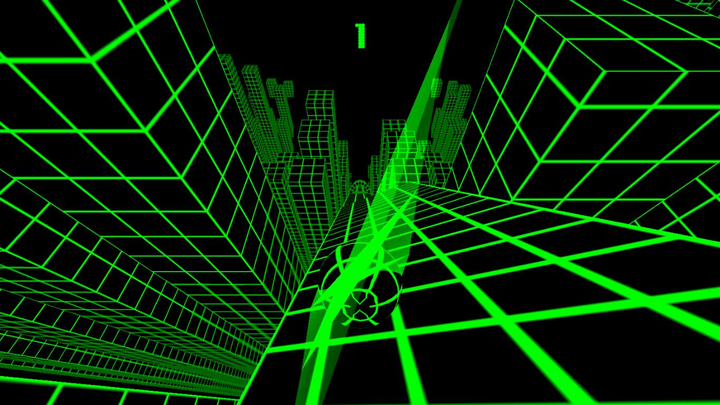
Read the open track before watching a red obstacle fill your view. Fixating on the hazard can make the safe lane disappear from your attention. Move toward the usable surface instead of simply moving away from the danger.
When a landing approaches, aim for a stable entry that leaves space on both sides. Touching down near an edge creates a correction problem immediately.
Controls and setup
| Input | Action |
|---|---|
| Left / Right Arrow | Steer the ball sideways |
| Release direction | End that sideways steering input; the forward run continues |
| Player fullscreen | Enlarge the game view |
| Click inside the game | Give keyboard focus to the player |
This embedded WebGL build is best approached with a keyboard. A responsive page does not guarantee that the game itself supplies touch steering on every phone. Use a keyboard-capable device when the loaded build has no suitable on-screen controls.
Three steering habits to test
Release earlier
Release the directional key earlier if the ball keeps crossing from edge to edge. Ending the steering input does not guarantee that existing sideways motion disappears immediately. Watch the resulting line before adding an opposite correction; the automatic forward run continues.
Prepare the next platform
Choose a useful landing line before the gap rather than trying to fix everything after touchdown.
Keep the recovery small
An oversized rescue can move the ball across the whole track. Test a smaller correction while there is still room.
What Geometry Dash habits help?
Looking ahead, keeping inputs deliberate, and naming a specific error all transfer well. The physics do not. A jump cue from Geometry Dash is not a steering instruction for Slope.
If a run ends, ask whether the mistake began before the collision: a poor landing, an unnecessary correction, or attention fixed on the obstacle rather than the opening. That gives the next attempt a useful experiment.
💾 Scores and loading
Any record displayed belongs to the loaded game build. This page does not supply its own score account or leaderboard, and it cannot recover a record that the game has not saved. Check that build’s behavior before relying on persistence across browsers or cleared storage.
If the player stays blank, give the WebGL build time to load before reloading once. If keys do nothing, click inside the game. Use the technical checklist to separate loading from focus or uneven rendering.