📲 Pick the experience before the file
| What you want | What you need to identify | What not to assume |
|---|---|---|
| Play immediately in a browser | The selected browser project and its controls | That it is the full native release |
| Use an official mobile edition | The correct app name and RobTop Games as its publisher | That every free edition has identical content |
| Build and share native levels | The full game’s creation features | That a small browser remake includes the editor |
| Use a native mod | The base game, loader, and mod requirements | That a browser export accepts native extensions |
File types mean different things
A Scratch .sb3 file is project data for a compatible Scratch environment; it is not a native Geometry Dash installer. An HTML export needs its browser runtime and assets, while a native installer or mobile package is made for a particular operating system. Renaming the file does not convert one kind into another.
The official free apps are Lite, World, SubZero, and Meltdown. They are distinct editions, not an unlocked copy of the paid full game. If your goal is the native level editor, choose the full edition instead of expecting a free spin-off or a small browser export to supply it.
💾 Think about saves before switching
Installed editions, official account systems, and browser projects can keep progress in different ways. A score in one does not prove it is available in another. Check the selected edition’s saving and synchronization behavior before changing devices.
For browser games, clearing local site data can remove locally saved progress. Private sessions may discard their data after closing. Keep those effects separate from an actual failure to save.
 Geometry Dash download button
🎮 No installation for the home player
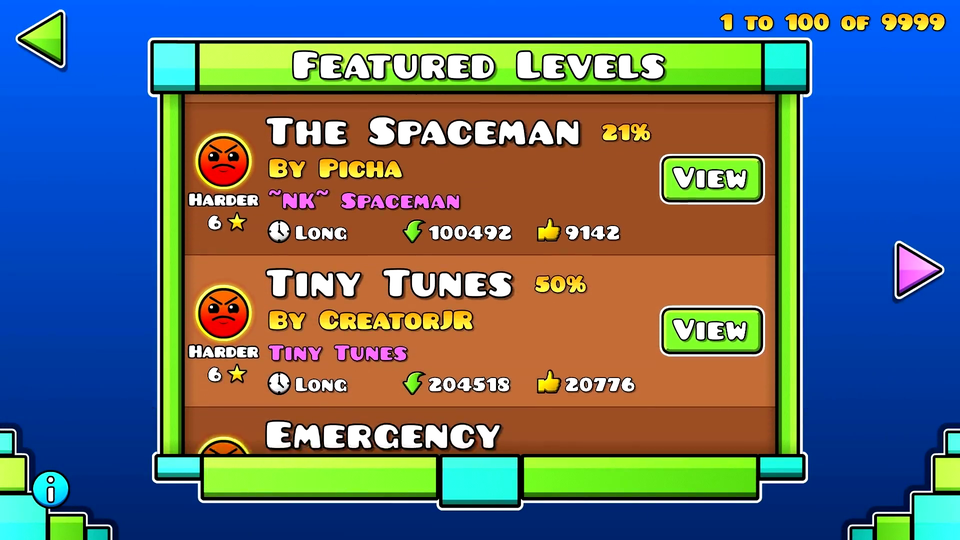
The home page launches its browser adaptation after Play. You do not need to download a separate program or create a site account for that experience. The game still needs to load its assets over the network.
Saving this page as HTML does not automatically save the playable game for offline use. Code, sounds, and project assets can be separate requests. Keep the distinction between a saved reading page, a complete browser-game export, and an installed native edition.
A small identification checklist
- Read the exact edition name: full game, Lite, World, SubZero, or Meltdown.
- Confirm that the platform matches the device you will use.
- Check which features you need, especially editing or native mods.
- Check where progress is stored and whether important local level work can be backed up before changing devices.
Use the version comparison when the names are the source of confusion. Read the Scratch guide for project-specific browser behavior, or the Geode explanation for the role of a mod loader.