〰️ The path turns when the input changes
In ordinary gravity, holding the main input sends the wave diagonally upward, and releasing sends it diagonally downward. There is no ship-like curved climb to smooth out the change. Each switch makes a corner in the path.
Read the next corner
Look for the point where the path must change direction to fit the next opening. The useful target is often a corner before the narrowest part of the passage, not the center of the visible hazard.
If you hold until the wave already looks too high, the correction is late. Releasing is the turn itself, so learn where that turn belongs. Keep the approach identical while adjusting one corner at a time.
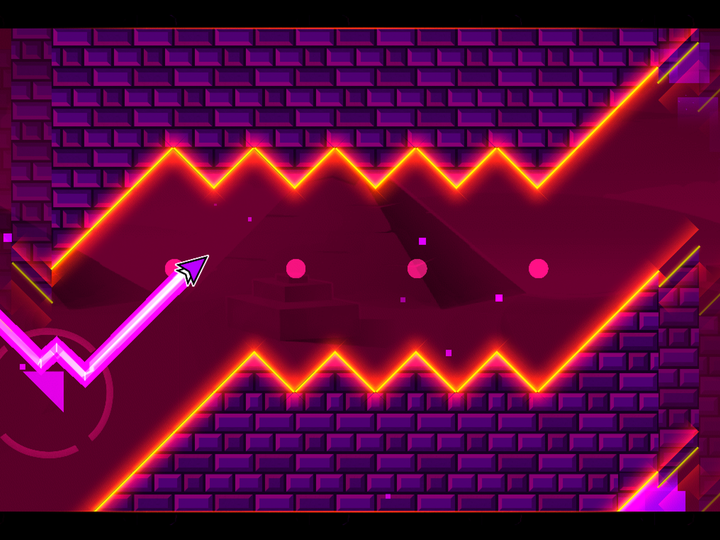
 Geometry Dash wave portal
⚡ What “Geometry Dash spam” means
Players often use spam for rapid repeated input, especially in wave challenges. Speed is only one part of it. A burst still needs to stay within a vertical band and end at a useful height.
Uneven taps create uneven diagonals. If the path drifts upward, the held portions may be taking more time than the released portions. Slow down in a forgiving passage and examine the shape before chasing a higher tapping rate.
Mini wave and inverted gravity
Mini wave follows a steeper path than normal-size wave under ordinary settings, which changes how quickly vertical space disappears. Inverted gravity changes which input state sends the icon toward each side. Identify both conditions at the entrance.
Do not assume a successful normal-size pattern will fit after a size portal. Study the next opening with the new movement rule. A familiar rhythm can draw the wrong shape under different conditions.
Fix drift before adding speed
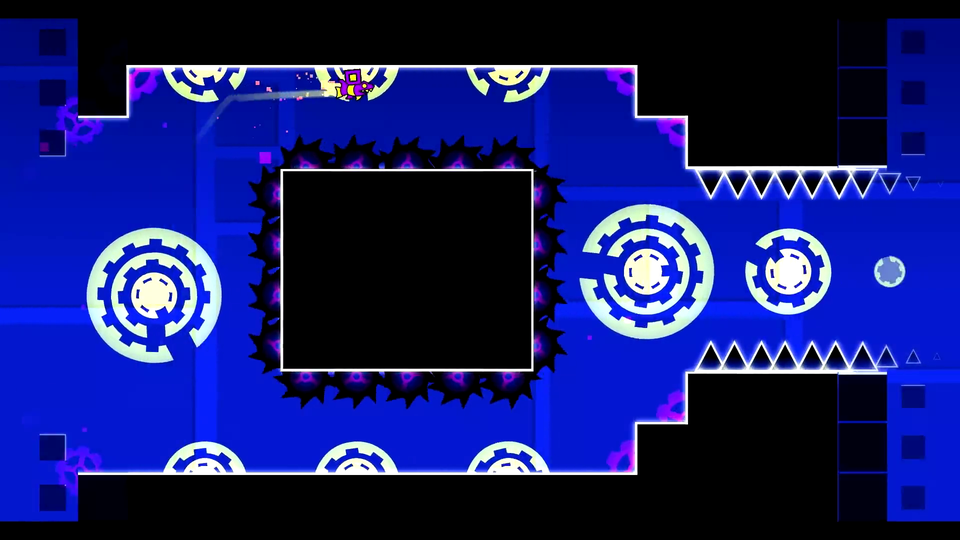
Choose a wide passage and try to keep a repeated pattern inside one band. Notice whether the line gradually rises or falls. Balance the intervals before reducing the available room.
When a short pattern works, add a deliberate exit. Many spam attempts survive the busy part and fail because the final hold or release leaves the icon on the wrong side of the next obstacle.
🎯 A narrow-corridor checklist
- Know the input state at the portal exit.
- Find the first corner before the corridor closes.
- Use short, intentional segments instead of random rescue taps.
- Practice the final release as carefully as the first press.
If the pattern fails at entry, check the portal’s size and gravity changes before rebuilding all the taps. If it survives the corridor but fails on exit, inspect the final hold or release first.