🧩 Know the project you launched
Scratch is a project-building environment, and different creators can implement Geometry Dash-inspired movement in different ways. Two projects with similar titles do not necessarily have the same levels, timing, menus, or save behavior.
This player is Ge-NET-ry Dash, formerly called Everywhere Dash, by Sotospro24, with physics work credited to Kouzeru. It is a Scratch project packaged with TurboWarp modifications. Its E/R pause and resume keys are worth learning before following a difficult route.
💾 Treat project progress as separate
Do not assume a browser project synchronizes with a RobTop account or an official app. Before relying on progress, check the project’s own saving instructions. Using another browser or clearing site data can remove locally stored information.
Private browsing sessions often discard their stored data when closed. If keeping a local score matters, use a normal browser session and avoid clearing data without understanding the effect.
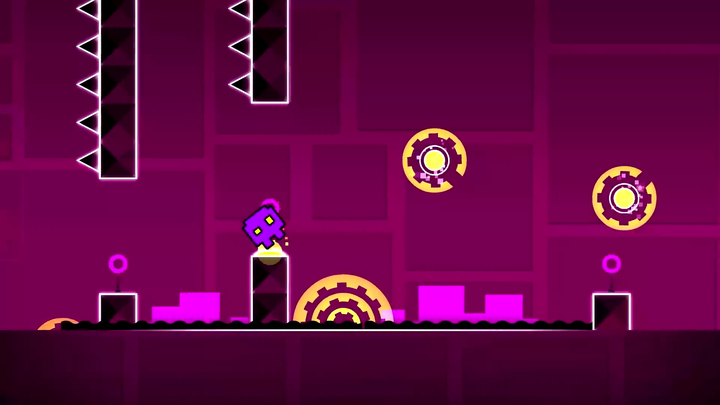
 Geometry Dash normal-view mirror portal
⌨️ Controls for Ge-NET-ry Dash
| Control | Purpose |
|---|---|
| Space / Up / click / touch | Main jump or form action |
| E | Pause this project |
| R | Resume this project |
Click inside the loaded game before using Space or Up Arrow. E pauses this project and R resumes it. Follow the project menu for other settings; the home player’s P/L shortcuts do not apply here.
What can differ from the official game
- Collision and movement implementation can differ from the native engine.
- The project may include only selected forms, stages, and options.
- Account systems and native community features are not automatically reproduced.
- Progress can depend on browser storage or a project-specific save method.
A tutorial for the official game can still explain a useful idea, such as reading a landing or separating an orb tap. Its exact input sequence may need adjustment to the project you are playing.
Check the feel before following a route
Before a long attempt, test a grounded jump, a held flight input, pause, and resume in Ge-NET-ry Dash. If its response differs from another remake, keep the visual cue steady while learning this project’s response.