🪽 Reverse gravity before the boundary
A Swing input flips gravity during flight. The icon then responds to the new pull while its motion continues. A reversal is therefore a change in the curve, not an instant relocation to a new height.
If you press only when the icon is already close to the ceiling, its upward movement can still carry it into danger. Watch the direction of travel and reverse early enough to leave room for the path to bend.
↕️ Read the whole corridor
Give yourself a band of safe space rather than chasing one exact height after every switch. Before a narrowing passage, look at the height you need on entry and the direction you should already be travelling.
An opening can require arriving while moving downward rather than merely being low enough at one instant. A reversal made earlier may solve that approach more cleanly than a last-second correction at the gap.
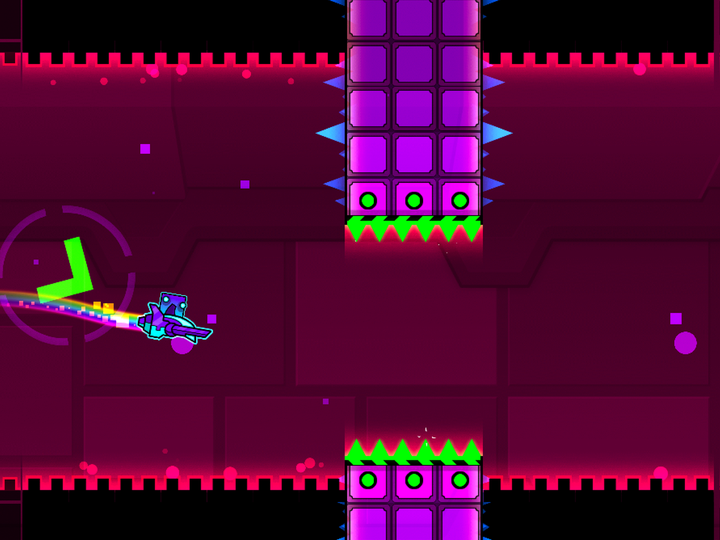
 Geometry Dash normal-size portal
Three forms, three different jobs
| Form | How vertical control works |
|---|---|
| Ship | Held thrust and release manage the flight path |
| Ball | Gravity switches are tied to valid surface actions in ordinary sections |
| Swing | Gravity can reverse during continuous flight |
The shared idea of gravity does not make their input patterns interchangeable.
A reversal drill
Use room to observe
Choose a forgiving flight passage where one reversal can be seen clearly.
Notice continued motion
After switching gravity, watch how the icon’s existing path changes over time.
Move the switch earlier
Compare the resulting curve from a similar approach.
Add the next opening
Judge whether the curve leaves a useful entry position and direction.
🧠 Stop treating every wobble as an emergency
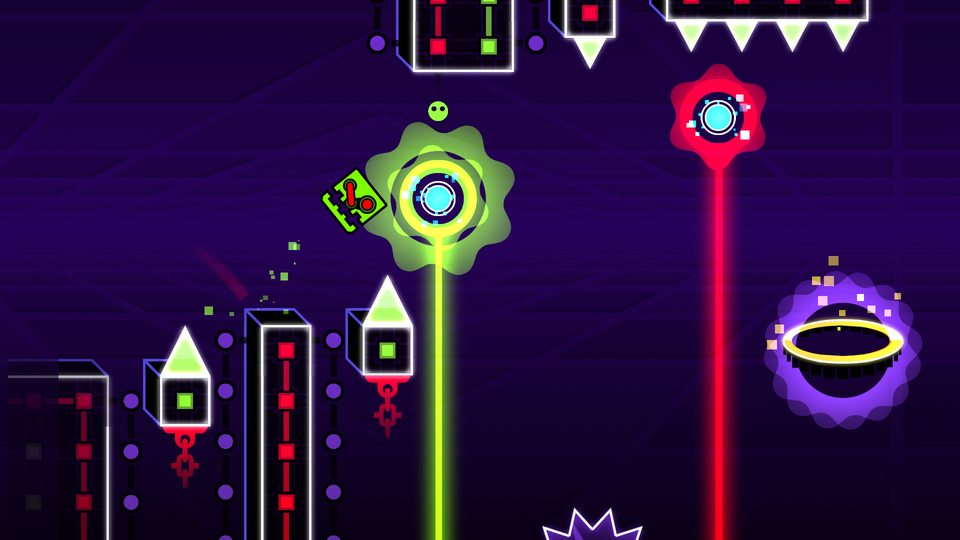
Rapid reversals can create a path you no longer understand. If the icon keeps oscillating too far, reduce the number of switches and inspect what one deliberate reversal does.
Keep the previous setup stable while you test. Different entry motion changes the result of an identical press, so an isolated checkpoint can be misleading if it removes the real approach.
Where Swing belongs
Swing belongs to Geometry Dash’s 2.2 feature set and is unavailable as an ordinary Platformer mode.
If you are learning the broader movement vocabulary, compare the eight mode rules before choosing a drill. A clear rule is more useful than a faster imitation of another form’s controls.