 BROWSER EDITION · READY WHEN YOU ARE
Make your move.
Start the tunnel and move toward the opening with the arrow keys.
🌀 Follow the opening, not the wall
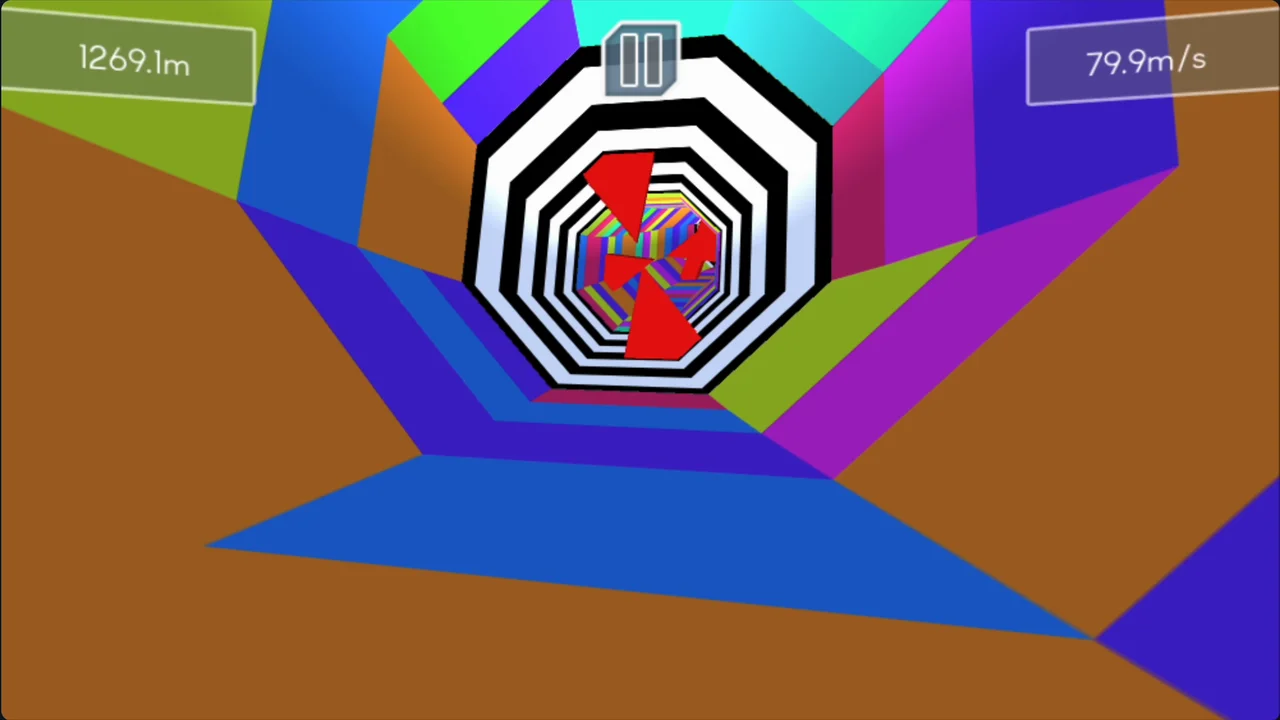
Tunnel Rush is a first-person obstacle game built around moving through a tunnel. Incoming barriers occupy part of the view, leaving an opening you must reach before contact. A rotating pattern can change where that opening will be when it arrives.
The biggest colored shape is not your target. Look for the safe space and judge how it is moving. That shift in attention makes the next directional input easier to choose.
🔄 Read a rotating gap early
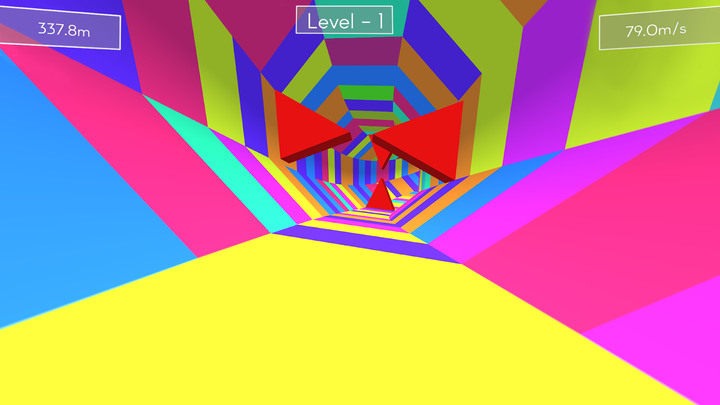
An opening that looks aligned now may rotate away before the barrier reaches you. Watch its direction of motion, then move toward where the usable gap is going. Avoid committing to a large late movement without checking the next position.
Once you have a safe line, reduce unnecessary corrections. Moving continuously because the scene feels fast can carry you out of an opening you had already reached.
Comfort and technical checks
The first-person view can be visually intense. Use a comfortable screen size and stop when the motion stops feeling enjoyable. A larger player can make gaps clearer, but fullscreen is a preference rather than a guaranteed performance fix.
If the game does not receive keys, click inside the loaded window. If it has not finished loading, avoid stacking reloads. The player troubleshooting guide walks through those symptoms separately.
The player controls
| Input | Purpose |
|---|---|
| Left / Right Arrow | Move around the tunnel to avoid obstacles |
| Game menu | Check any additional controls in this loaded build |
| Click inside the game | Send the keyboard input to the player |
| Fullscreen | Use a larger view of the approaching openings |
Use Left and Right Arrow here. Check this game’s menu before trying additional controls.
Compare an early adjustment with a late one
Choose a recognizable barrier
Use a barrier you can identify again. Watch which way its opening moves as it approaches.
Notice your last correction
On the first pass, note whether you are still steering at contact. That late movement may carry you out of a gap you had reached.
Settle into the gap earlier
On the next comparable barrier, begin the adjustment sooner and release once aligned. Compare whether the line stays safe as the obstacle arrives.
Compare the result
Keep the earlier adjustment if it leaves time to read the next barrier. If it fails, check the opening’s rotation before making a larger movement.
What changes from Geometry Dash?
Both games reward seeing a useful destination before acting. Tunnel Rush uses spatial gap reading and directional movement rather than the same fixed sequence of grounded cube jumps.
If you like the anticipation but want a rolling track, compare Slope. If you want to change which surface counts as the floor, try Run 3. Each option creates a different correction problem.