 BROWSER EDITION · READY WHEN YOU ARE
Keep exploring.
Load the tunnels, then move sideways and jump toward a safe surface.
🌌 A wall can be the next floor
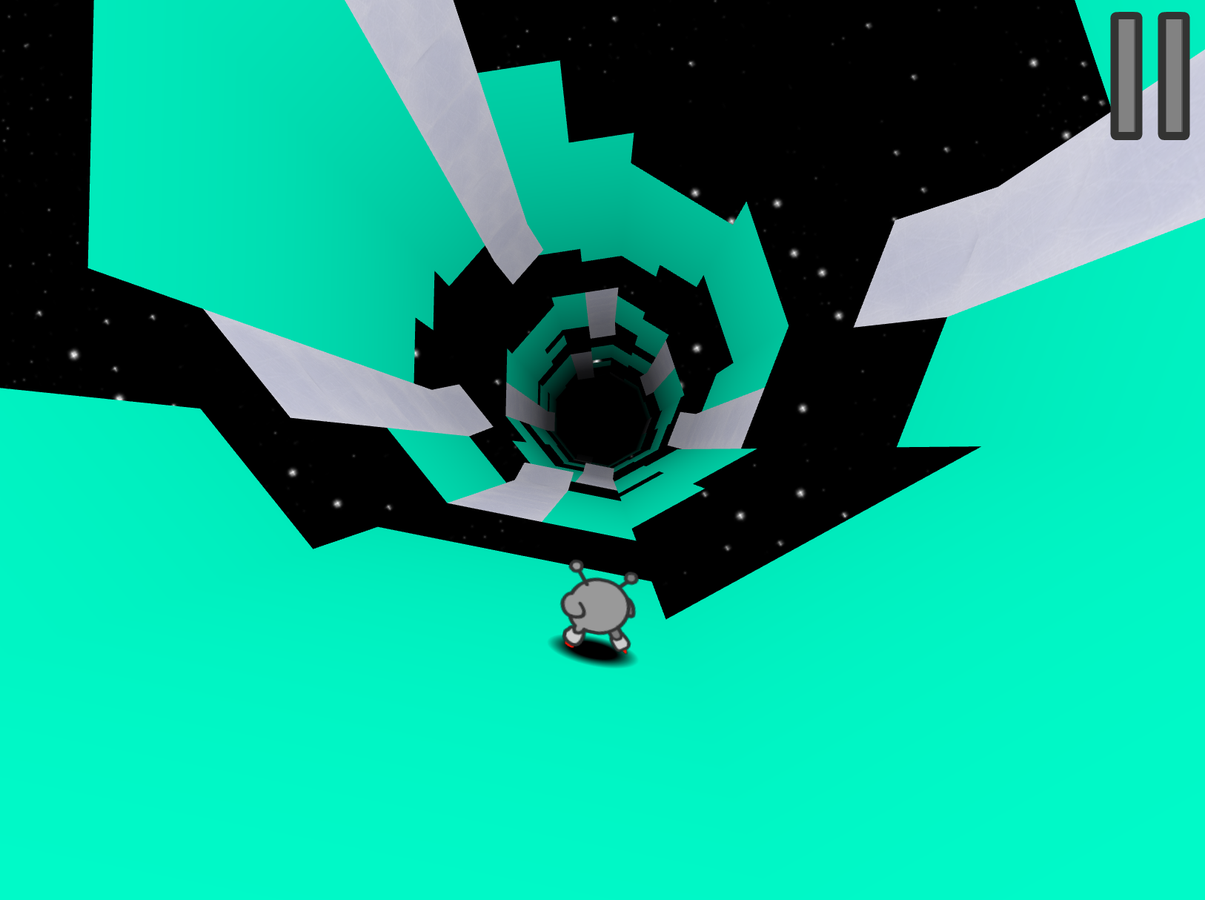
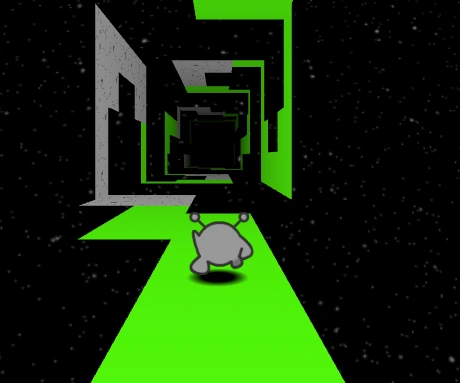
Run 3 is a space-tunnel platformer by Player 03. The runner advances through the course while you choose lateral movement and jumps. Running onto a tunnel wall rotates the view so that surface becomes the floor.
That makes the route more flexible than a single lane of gaps. Before deciding that a jump is too long, inspect the adjacent surface. A rotation can provide a better landing and a clearer approach to the next section.
Move, jump, rotate
| Action | How to approach it |
|---|---|
| Move sideways | Use Left and Right Arrow keys |
| Jump | Use Space or Up Arrow in the loaded build |
| Change the floor | Move onto a tunnel wall; there is no separate rotation button |
| Get keyboard focus | Click inside the game window after loading |
Character movement can differ. Learn the runner you are using before treating another character’s jump cue as universal.
🧱 Watch the fragile route
With the Runner, fragile footing starts to collapse after contact, and connected fragile tiles can follow. Plan the next solid landing before stepping onto that route. Character abilities can change the interaction: the Child does not break crumbling tiles.
In the original Run 3 controls, holding the jump input produces a higher, longer jump than a brief tap. A short hop can help avoid overshooting a small landing. Character physics differ, so compare the jump with the runner you selected instead of treating one duration as universal.
🗺️ Choose the pace of the session
| Mode idea | A useful goal | What to pay attention to |
|---|---|---|
| Explore | Learn a defined section and progress through the tunnel route | A repeatable line through its gaps and surfaces |
| Infinite | Sustain a run through the course presented | Reading ahead rather than relying only on a memorized sequence |
In the original game, Explore follows the Galaxy Map and Infinite offers a continuing run with power cells to collect. Choose a defined route when learning a particular surface change, or a continuing run when practising reading ahead. Check this build’s menu for the available options.
A rotation drill
Spot the adjacent safe wall
Choose the destination before the gap becomes urgent.
Move while there is room
Do not postpone the rotation until the last available tile.
Confirm the new floor
Read the next opening from the changed orientation.
Plan the following landing
A useful rotation improves the next move, not just the current gap.
How it compares with Geometry Dash
The shared habit is reading a landing before acting. Run 3 adds lateral route choices and surface rotation, so the solution is not always a more precise version of the same jump. Sometimes the better answer is a different floor.
Browser-local saves depend on the game and browser session. Keep the same browser when relying on stored progress, and remember that clearing site data can remove it. For a blank or unresponsive player, use the loading and focus checks.