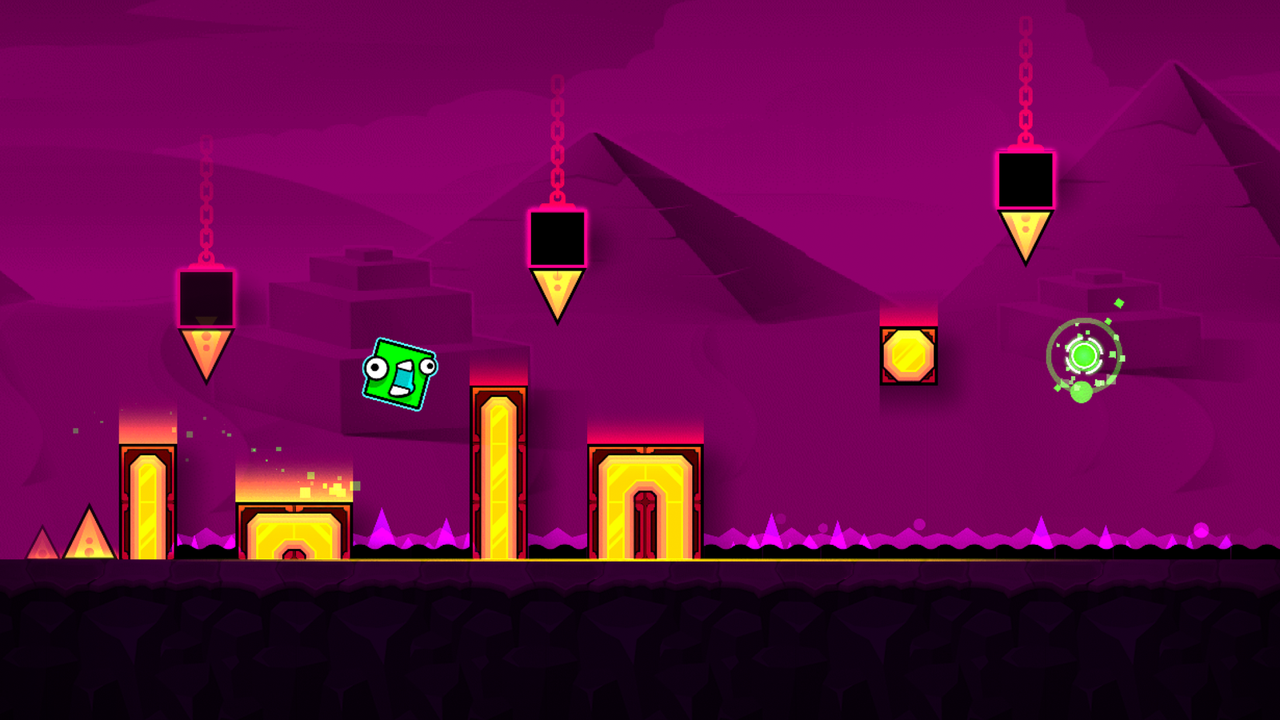
❄️ The three-stage set
| Stage | Music artist | A useful focus |
|---|---|---|
| Press Start | MDK | Separate the playable route from dramatic background events |
| Nock Em | Bossfight | Read the first safe target after each change |
| Power Trip | Boom Kitty | Keep a familiar input plan through shifts in presentation |
These are practice priorities rather than a complete map or an official difficulty chart. The standalone game is built around three distinct stages, each with its own soundtrack and visual identity.
👀 Watch the geometry that can affect the run
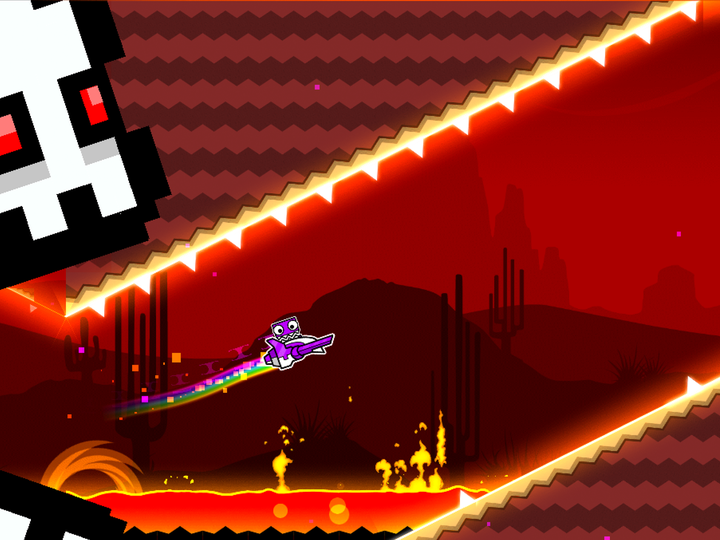
A large animated object can pull your attention away from a small platform edge. While learning a section, identify the surfaces and hazards that define the path. Let the spectacle become background information once you know what it does.
Camera movement changes where things appear on the screen. It does not always change what input the active form requires. If the scene becomes unfamiliar, ask the practical questions: which form, which gravity, which opening, and which action next?
A checkpoint before the reveal
Starting immediately after a scene change may make the section seem easy while removing the hard part: recognizing the route as the camera moves. Practice from before the change so you learn the reveal and first decision together.
Once the local passage works, extend the exit. It is easy to survive the dramatic moment and arrive badly positioned at the first ordinary obstacle afterward.
 Geometry Dash saw obstacle
🎵 Know what the music is doing
MDK, Bossfight, and Boom Kitty give the three stages different musical landmarks. Mark the change that comes before the difficult move, then pair it with the relevant platform edge. SubZero’s own icon unlocks provide a separate reason to revisit the campaign.
If a pause or browser interruption leaves the audio feeling out of step, return to a visual reference. Relearn the scene from a stable entry instead of forcing the whole section into an unreliable count.
The original campaign and this browser build
The player above is a SubZero browser adaptation with its own menu and progress. The stage-and-artist table describes the official campaign. Check the loaded menu when choosing what to play here.
For a broader explanation of camera and gameplay additions, read Geometry Dash 2.2 explained. For a simpler comparison of the official free apps, use the version guide.