🧱 Begin with one playable idea
Pick a simple mechanic and a short stretch of music. A sequence of clean cube jumps or one controlled ship passage is enough for a first layout. You do not need every form, a dramatic camera sequence, or dense decoration to make a coherent challenge.
Decide what the player should learn and where the section ends. Finish that route before adding another mechanic. These steps concern the native editor in the full game; the home player is a separate classic adaptation.
Keep the first test focused
Change one local issue and replay it. Moving several hazards, changing speed, and altering the song offset at once makes the result hard to evaluate. Keep an earlier copy before a large redesign.
A Start Position lets you test a local section with a chosen mode, speed, size, and other state. Set it to match the real approach, then return to the original start for final testing. A convenient local start can hide a bad transition that still exists in the playable route.
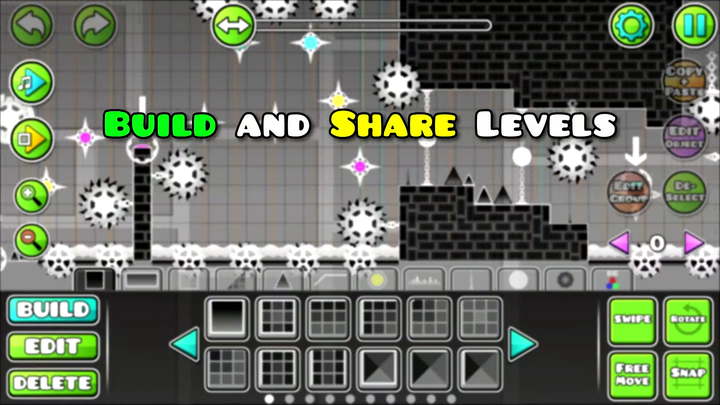
 Geometry Dash editor tools button
Layout before decoration
Place the traversable route
Use simple blocks and hazards. Make the intended landings visible.
Test the intended input
Play the route at its actual speed and size. Do not infer beatability from how the layout looks in the editor.
Connect the transitions
Check the approach into each portal and the first safe action afterward.
Add visual identity
Use colors and details to support the route once the basic sequence is stable.
🎵 Let the song organize the section
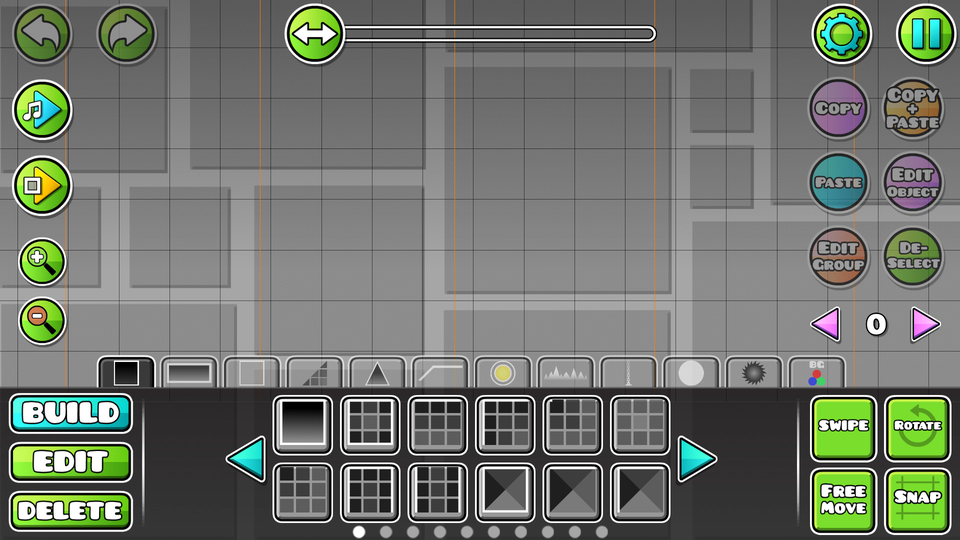
Use a phrase or change in the track to shape a section boundary. Give similar visual patterns a consistent input idea so the player can learn the level’s language.
A music cue should help explain an action. It should not be the only way to discover an otherwise unreadable hazard. Check the route visually as well as with sound.
👀 Fairness is visible in the approach
| Design question | Test it by |
|---|---|
| Can the player see the next decision? | Playing from the preceding section without editor knowledge |
| Does the portal entry preserve a safe state? | Entering with the intended previous input, not only from a start position afterward |
| Does decoration hide a hazard? | Comparing the plain layout with the decorated version |
| Is an optional route understandable? | Checking its departure, collectible, and return as one sequence |
✨ Give effects a job
A color change can mark a new section. A clear highlight can identify an interactable object. A camera effect can emphasize a moment without obscuring the next landing. Ask what information the effect adds.
Use an Editor Layer to organise what you select, a Z Layer to control drawing order, and a Group ID to target objects with triggers. If a Move trigger affects the wrong objects, inspect their Group IDs. Changing the Editor Layer solves a different problem.
✅ Verify the finished route and User Coins
A local Start Position clear is not upload verification. Verify the level from its real beginning. If User Coins are included, collect each in a successful finishing run; those collection runs can be separate. A reachable coin in an unfinished editor test has not proved a finishable coin route.
For the mechanics behind a tricky section, use object interactions, portal transitions, and form rules. They give a more useful starting point than decorating a movement you have not tested.