🎵 Make a cue, not a guess
Choose one reference for an uncertain input. It might be the front edge of a platform, the moment your icon enters a ring, or a distinctive sound in the track. A cue is useful when it is easy to recognize and still leaves time for the action.
Do not assume every obstacle belongs on a strong beat. Level design can use offbeats, sustained holds, or visual timing that does not match a simple tap-along pattern. Music supports memory; the collision geometry decides whether the move succeeds.
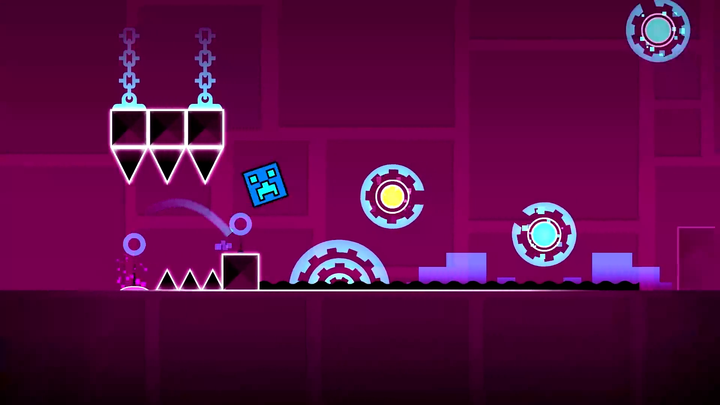
 Geometry Dash double-speed portal
When timing is not the whole problem
Uneven animation, audio that begins late, or a player that has lost focus can make a familiar pattern feel unfamiliar. Check performance and focus before rebuilding every timing cue. A cue learned during a stutter may not transfer to smooth play.
Early and late can look similar
A cube can hit the front of a spike because it jumped too late. It can also land into that spike because the jump began too early. The final collision alone is not enough to diagnose the input.
| Watch this | What it can tell you |
|---|---|
| The takeoff point | Whether the jump started before the intended cue |
| The highest part of the arc | Whether the obstacle fits beneath the jump |
| The landing position | Whether an early jump ran out before the hazard ended |
| The previous input | Whether an unwanted hold changed the approach |
Move the press a little in one direction, then compare the whole arc. If the result gets worse, test the other direction. Avoid changing several jumps at once.
👀 Choose a stable visual anchor
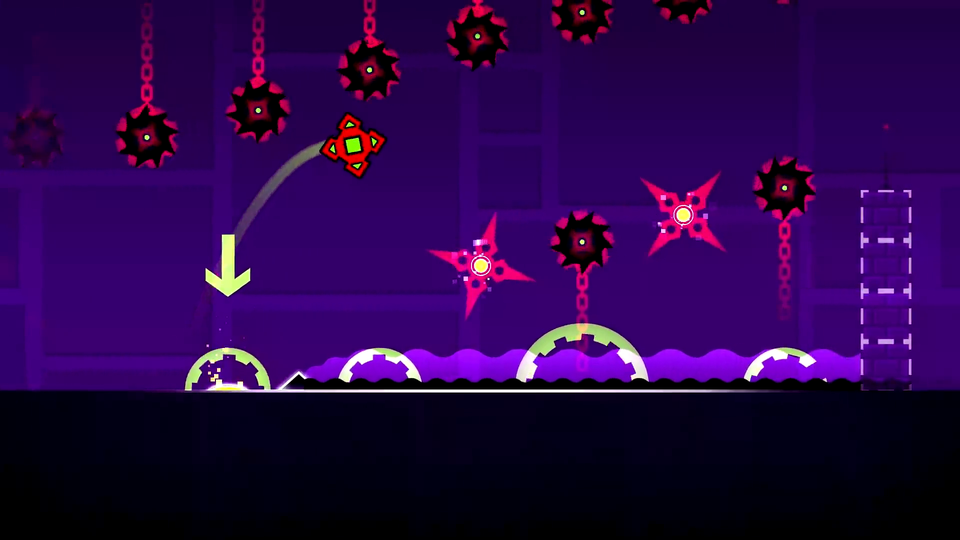
A sharp platform edge is usually easier to reuse than a glow effect. Bright decoration may pulse, move, or change with the song. Find the object that determines your route, then use decoration only if it consistently marks the same moment.
In camera-heavy stages, the apparent position of the icon can change. Anchor your attention to the next traversable surface and the space between hazards. A memorized screen coordinate is less useful when the camera moves.
🧪 A controlled timing exercise
Choose one uncertain input
Ignore coin detours and secondary goals. Keep the same device, level, and starting route.
Compare takeoff, activation, and landing
Watch three events in order: where the cube leaves the surface, whether a ring activates, and where the icon lands. A missed ring and a wrong takeoff can end at the same spike but need different changes.
Change only the timing
If the expected boost or gravity change never happens, compare the activation input. If the effect occurs but the path still fails, inspect the activation position and landing. If there is no ring, test the takeoff timing while keeping the input duration steady.
Keep the explanation
A useful result sounds like “press when the front reaches the edge,” rather than “that attempt felt lucky.”